When and how to make your offer in a webinar
The offer is the part most coaches rush or apologise for. Here is how to time it, word it and keep it honest, so it lands as the next step and not a surprise.
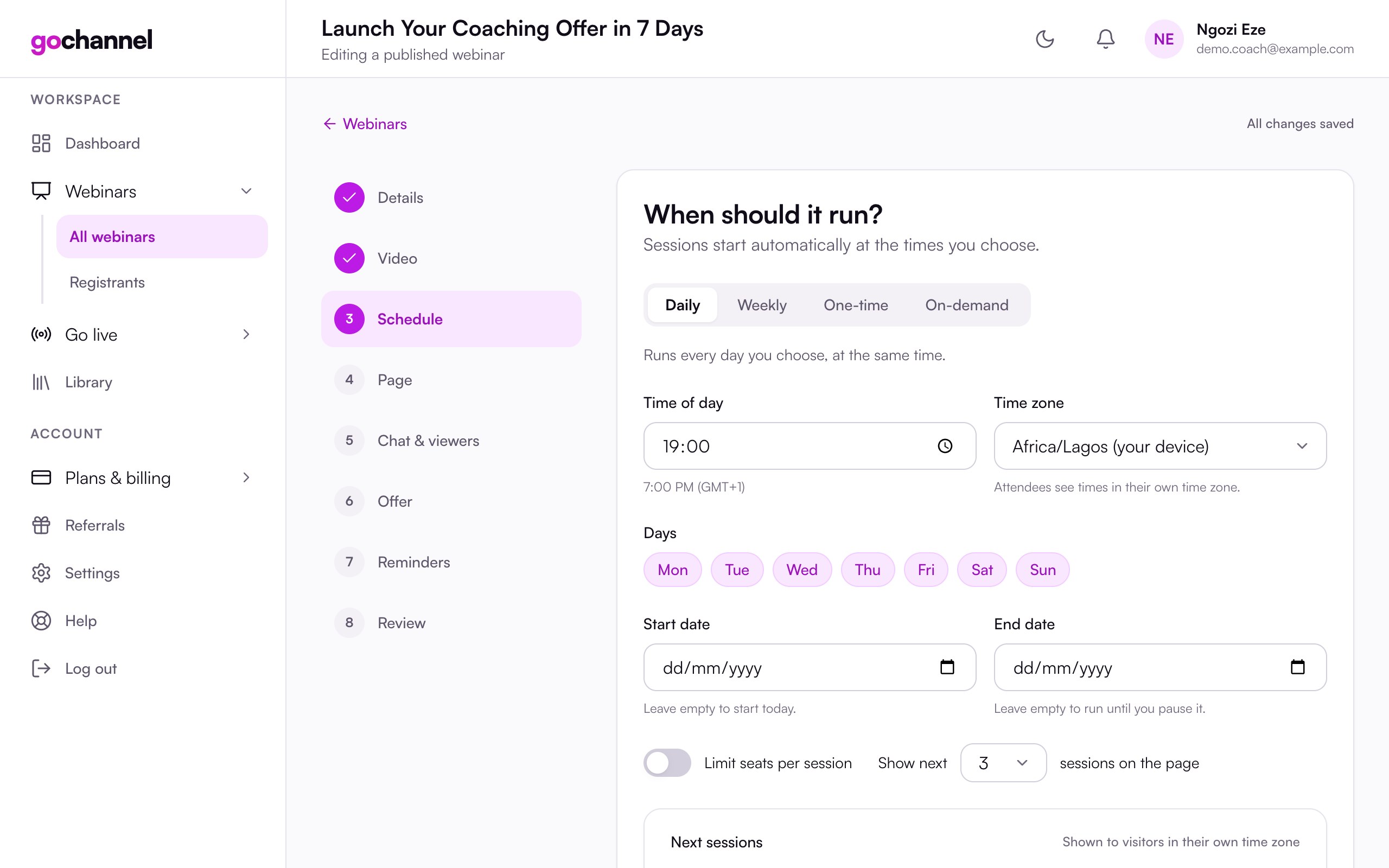
Record it once. GoChannel plays it on schedule in a room attendees can chat in, sends the reminders, shares the replay and shows your offer at the right minute.
$1 for 7 days · Cancel any time · About 15 minutes to set up
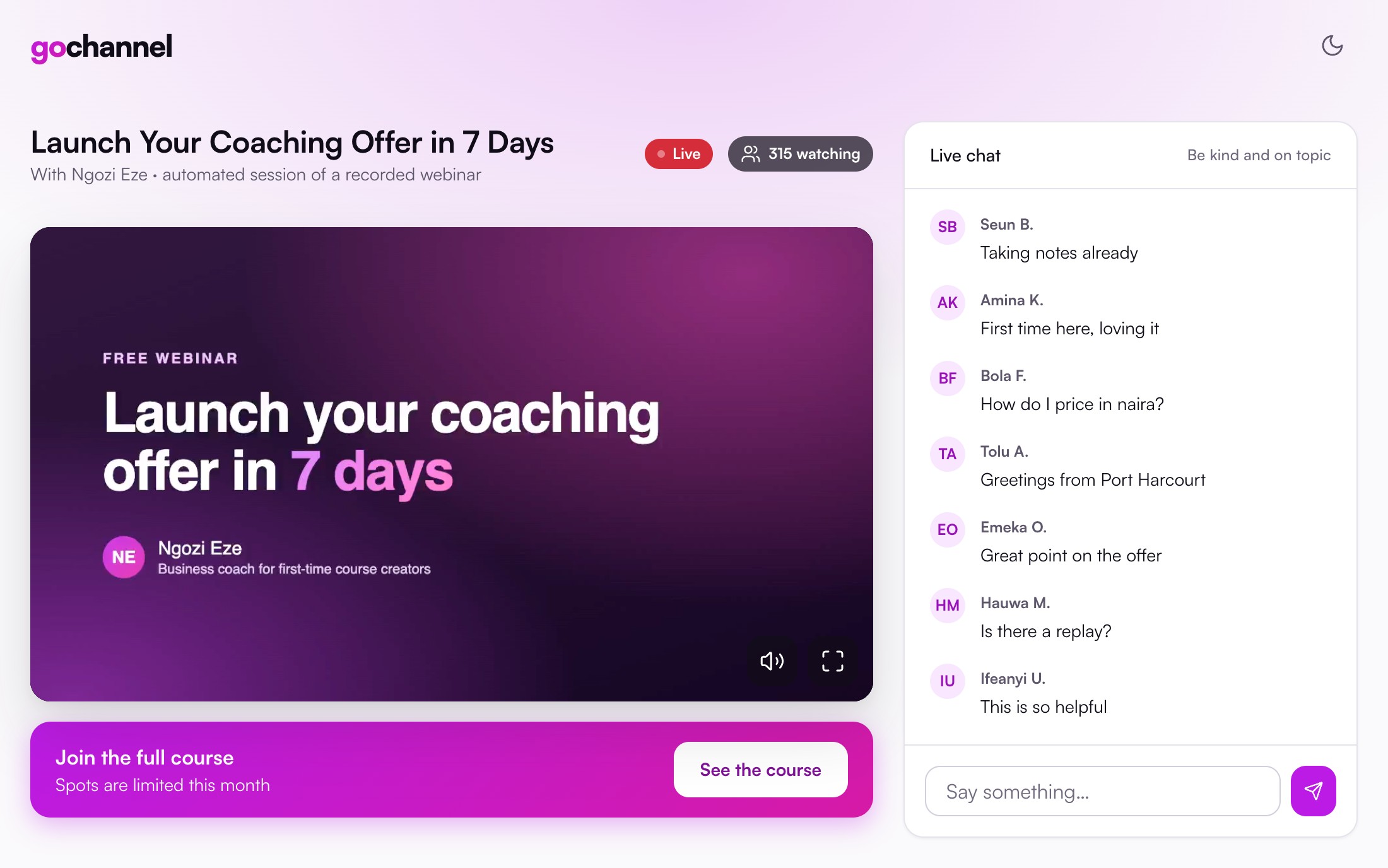
Webinars sell. Running one every day is what wears coaches out. GoChannel plays your best session on schedule, so the work happens once and the results keep coming.
From upload to a live registration page.
Automatic reminders for every session, plus a replay email.
To try any plan for 7 days. Cancel any time.
Nothing for you to remember. Every registrant is looked after from the moment they sign up until the replay lands in their inbox.
Start your trial for $1A reminder email goes out with their personal join link.
A second reminder, so the session is fresh in their mind.
The waiting room opens and a last reminder is sent.
The room opens. Greetings and questions begin to appear in the chat.
Your offer shows at the exact minute you chose, with a button to your link.
The offer shows again as the session wraps up.
Anyone who missed it gets a "you missed it" email with the replay.
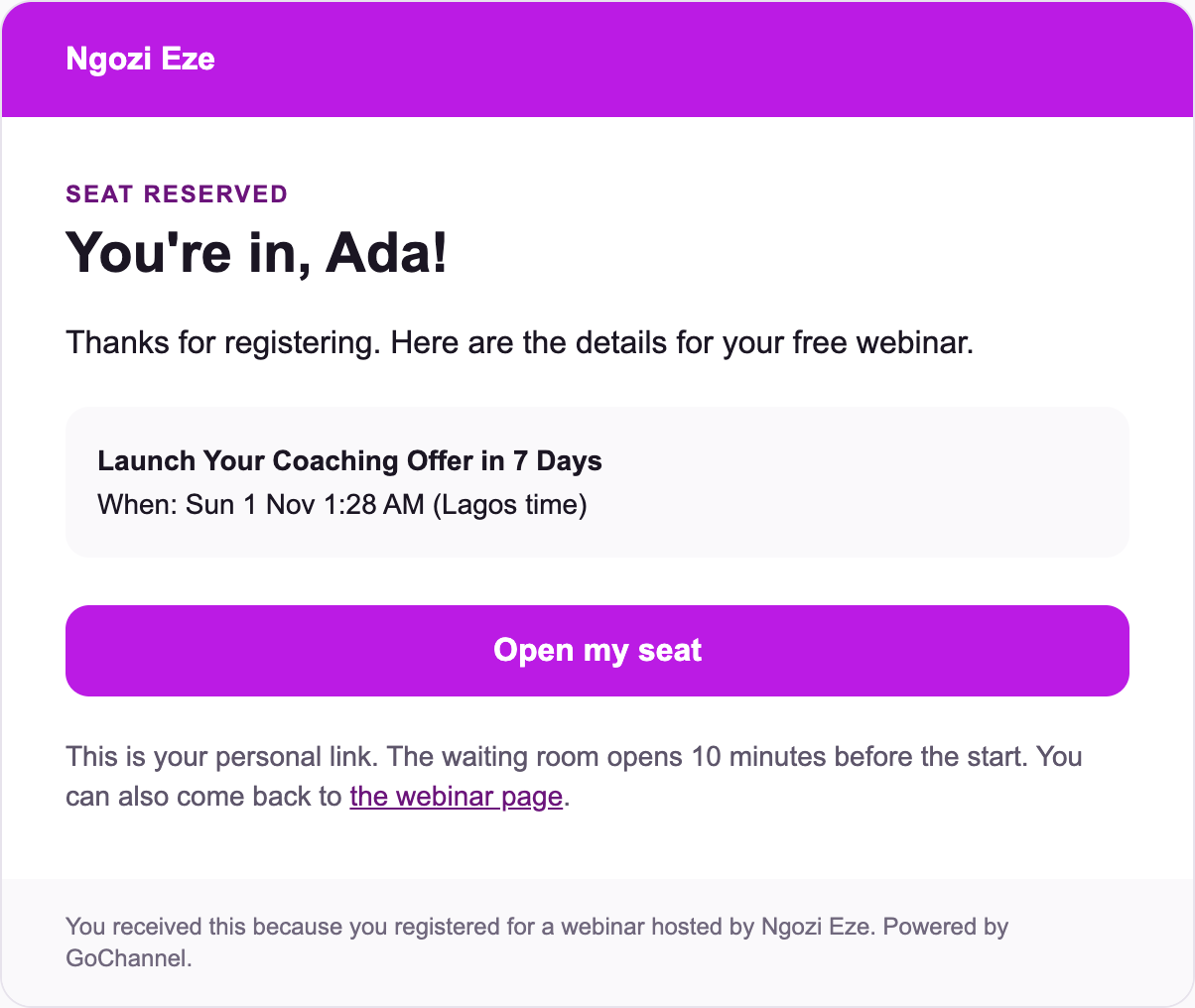
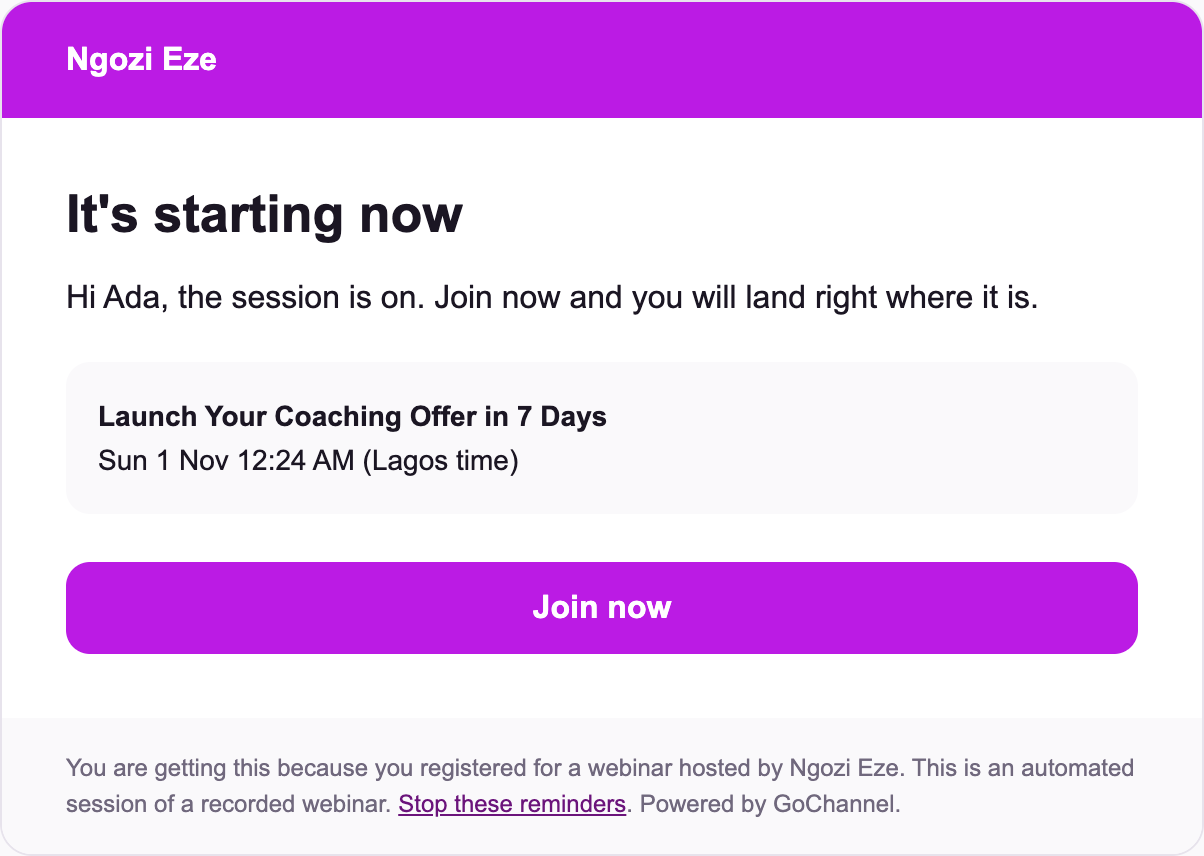
Registrants get a confirmation straight away, then emails before the session and when it starts. Anyone who misses it gets the replay.
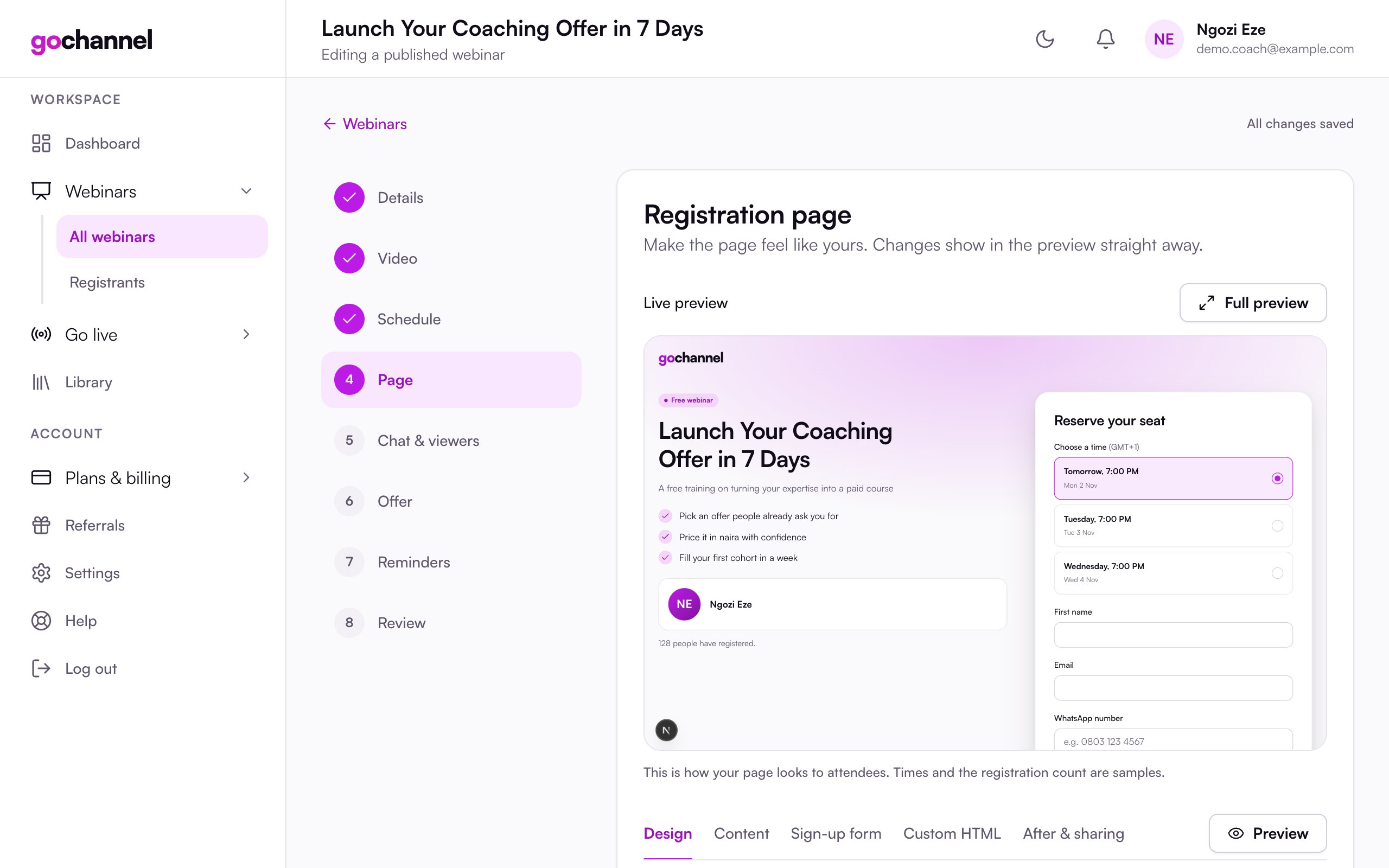
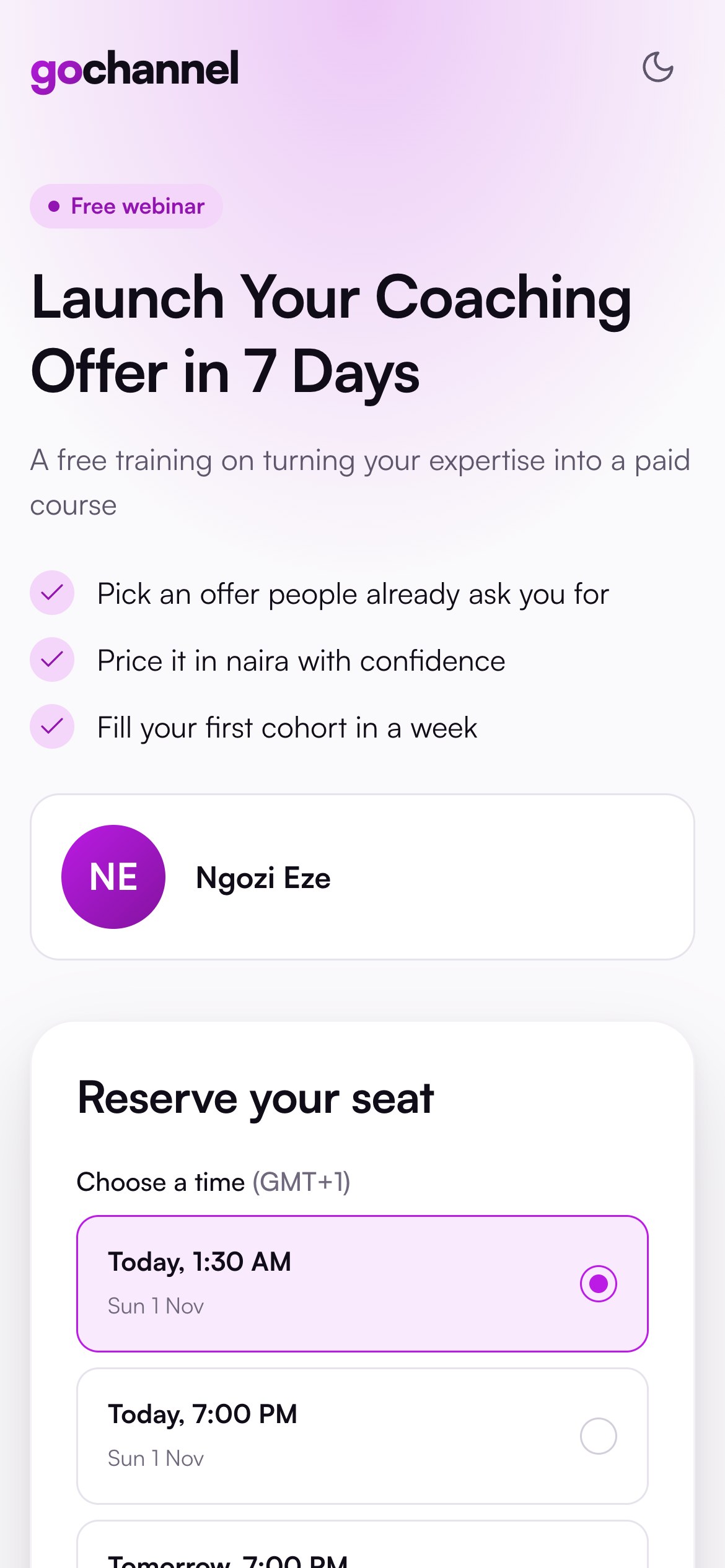
Pick a layout, your brand colour and a font. Add sections, ask your own questions, or paste your own HTML and place the register button anywhere.
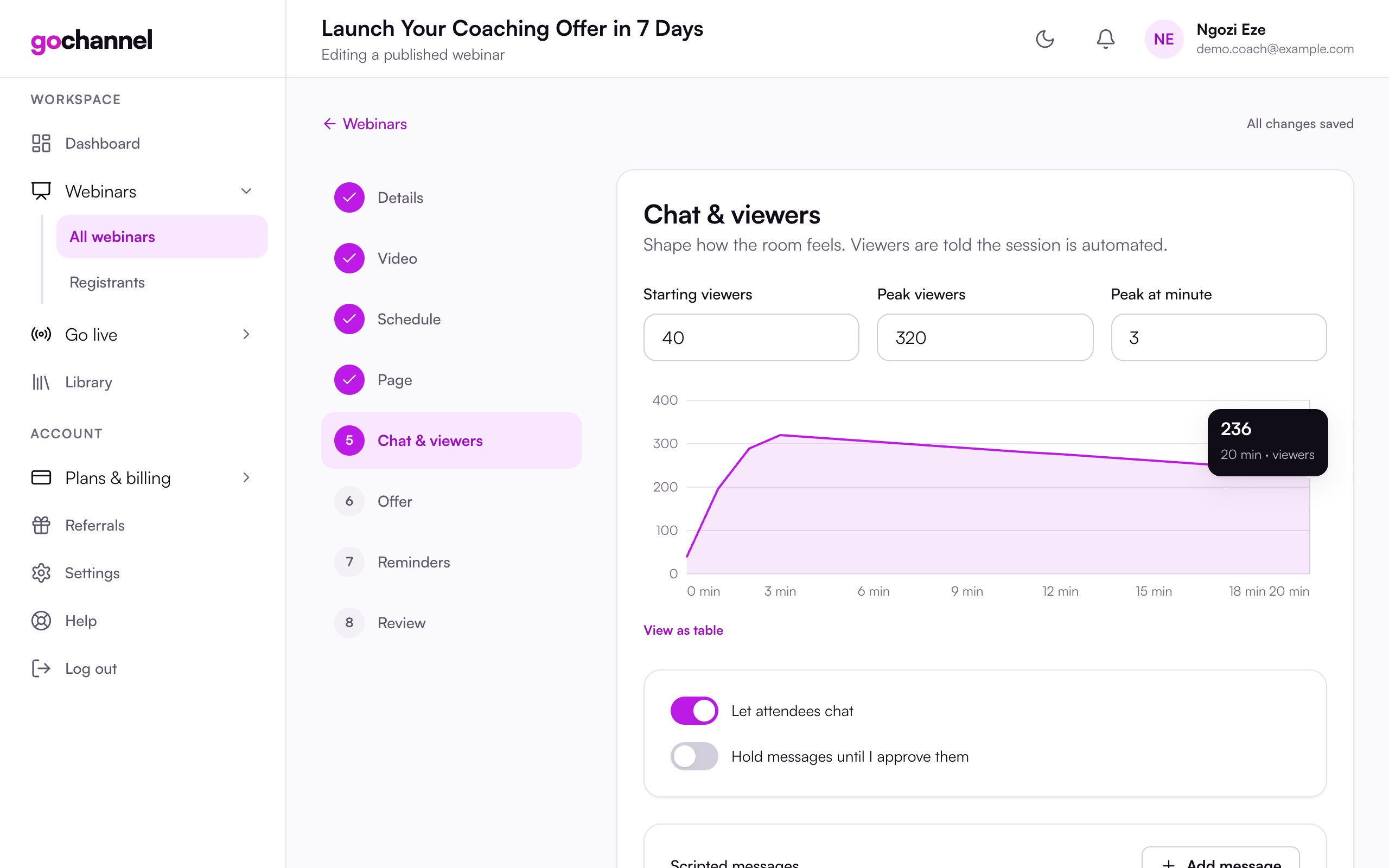
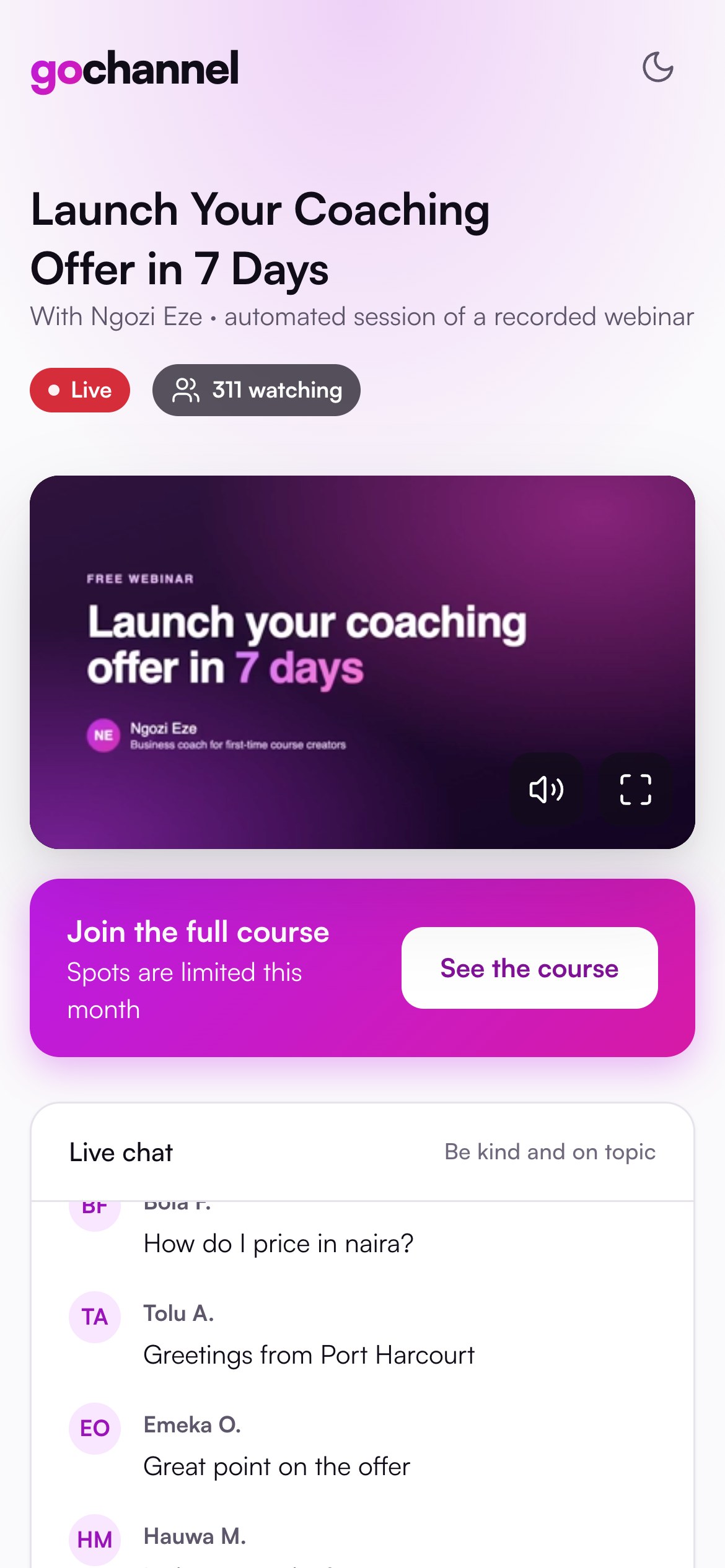
Time your greetings and questions to the video, let real attendees chat with moderation, and set the viewer count curve. The session is always labelled as automated.
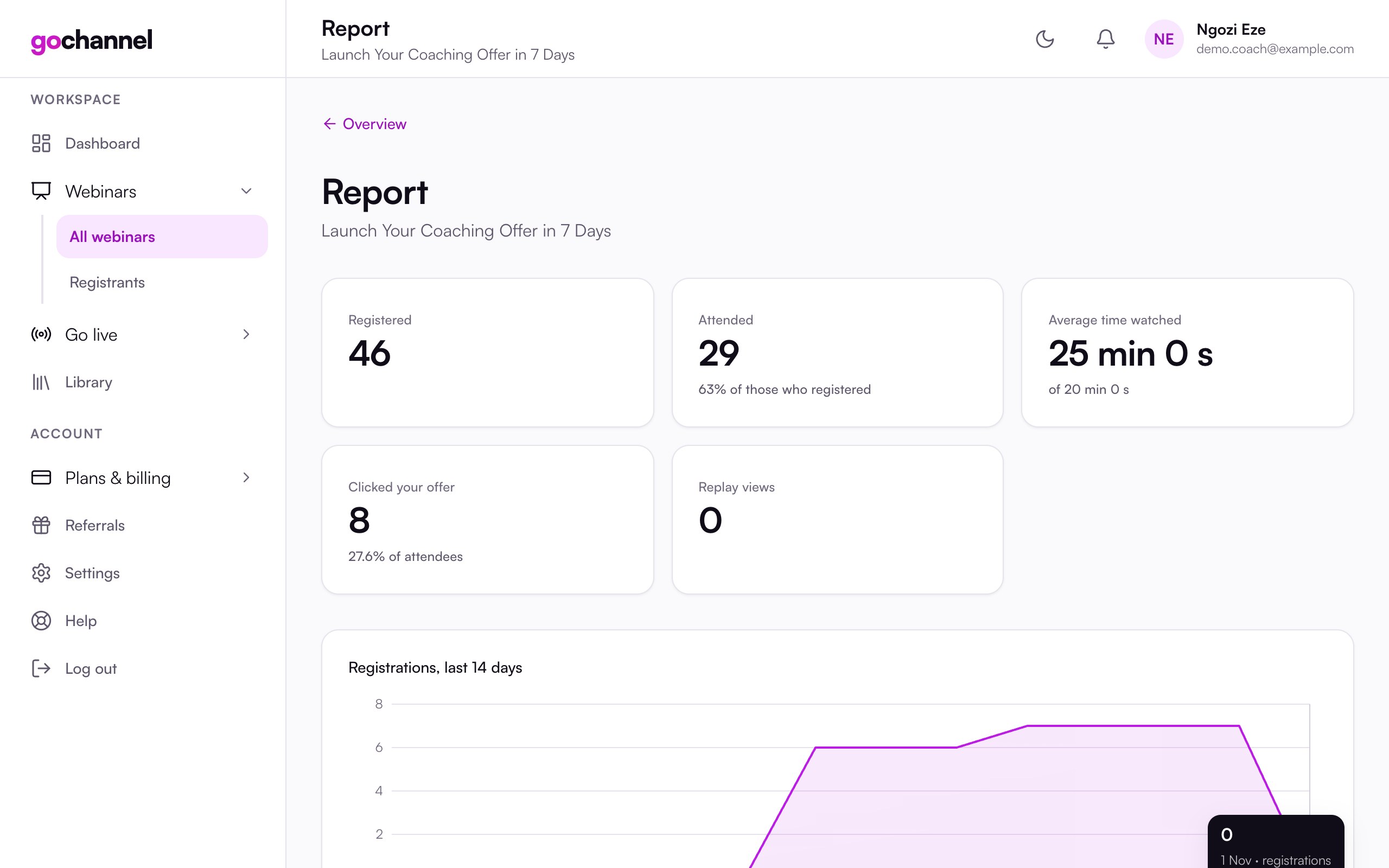
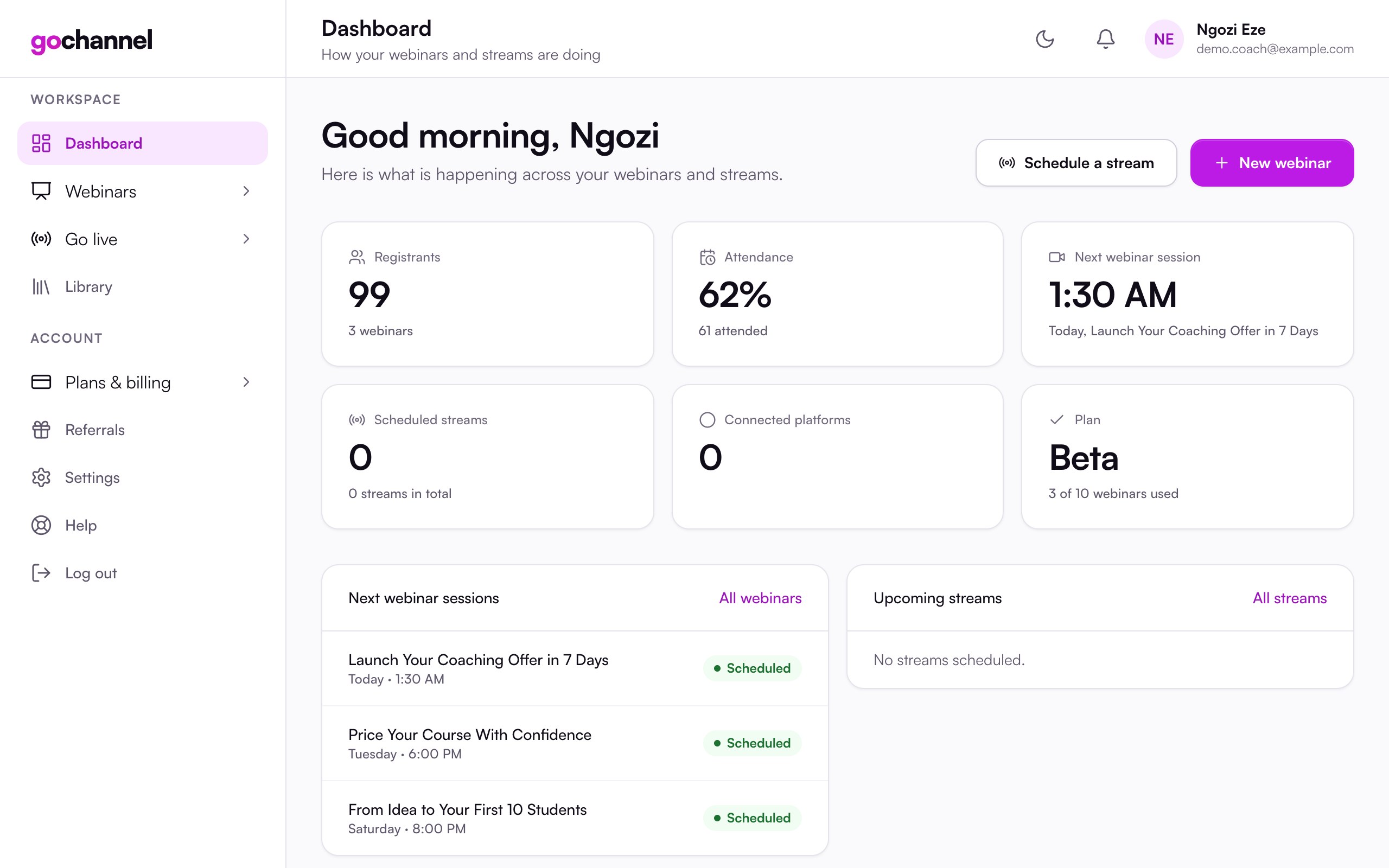
See registrations, who attended, how long they watched and who clicked your offer, for every webinar. Export everyone, with their answers, to a spreadsheet.
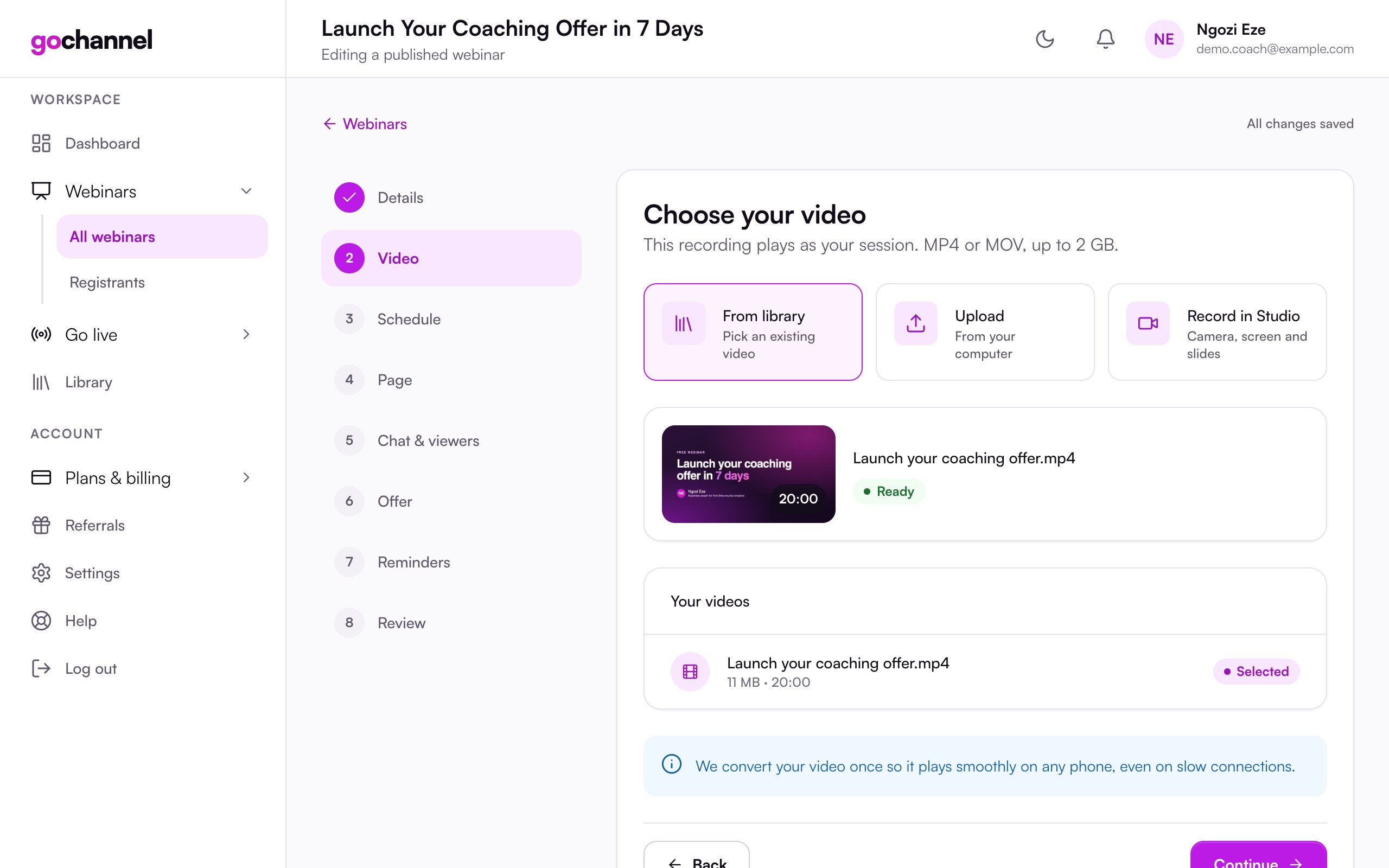
No software to install. Use the studio to record yourself, then run it as a webinar.
Import your slides and show them alongside your video.
Schedule a pre-recorded video to go live on your channel, as before.
Prices in US dollars. Change or cancel any time from your account.
Every attendee sees the session in their own time.
People who miss it get a link to watch it later.
Fill your programme without hosting the same training every evening. Let one great session do the work.
Turn a launch webinar into an always-open door to your course, with your offer on cue.
Run an intro session on repeat for new leads, and spend your time on the people who book a call.
Every session is labelled as an automated session of a recorded webinar. We create the atmosphere of a room, never false proof.
GoChannel is built with a working coach who runs a webinar every day, so it is shaped by what a real daily webinar needs.
Try any plan for $1 for 7 days, then pay monthly or yearly. Pay yearly and get two months free.
Your first automated webinars.
For coaches running several webinars.
For busy programmes and teams.
$1 for 7 days on any plan · then charged unless you cancel · prices in US dollars
Attendees join at the right point of the session and chat together, so it feels like being in a room. We never pretend otherwise: every session is clearly labelled as an automated session of a recorded webinar, and attendees can see that.
A video of your webinar and about 15 minutes. You can upload a recording or record right in your browser. We prepare it so it plays smoothly on any phone.
No. They register with their name and email (and WhatsApp number if you ask for it) and join from their personal link.
Prices are in US dollars and you pay by card. Your bank shows the charge in your own currency.
Email reminders go out a day before, an hour before, ten minutes before and when it starts, plus a "you missed it" email with the replay. WhatsApp and SMS reminders are coming.
Yes. Pick a layout, colours and font, add sections like a countdown, FAQ or your own testimonials, ask your own questions, or paste your own HTML for full control.
On day 7 your card is charged for the plan you chose and your webinars carry on without a break. We email you two days before, and you can cancel in one click before then. If you cancel, your webinars pause and nothing is deleted.
The $1 keeps the trial for people who want to run webinars, and lets us start your plan on day 7 without any gap. It is not refundable, and you can cancel before day 7 so that nothing more is charged.
Yes. Scheduling a pre-recorded video to stream to your YouTube channel works as it always has.
$1 for 7 days on any plan. Cancel any time. About 15 minutes to set up.
Start your 7-day trial for $1